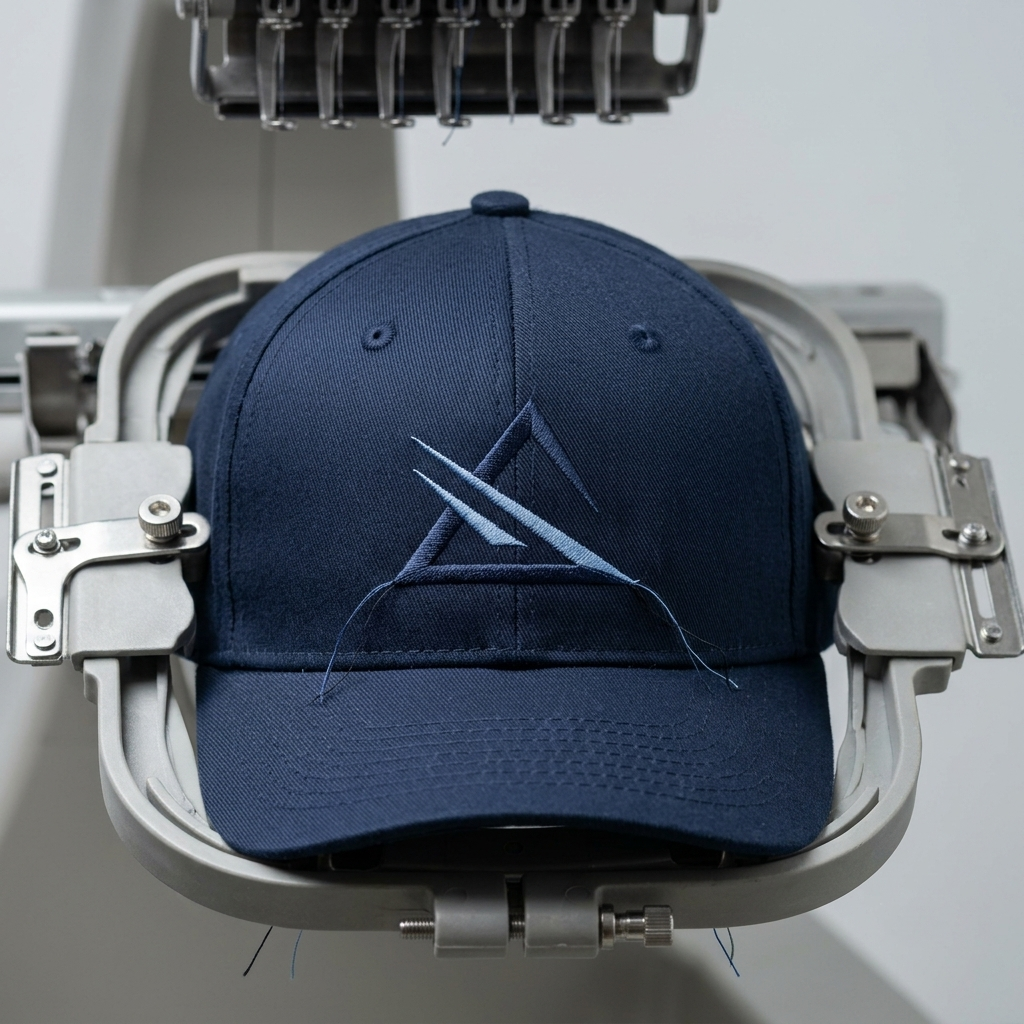
Short answer: Caps need their own embroidery files because the front panel is curved, stiff, and limited in size, and it is stitched on a cap frame instead of a flat hoop. A flat left chest file reused on a cap usually puckers, gaps, or misaligns. Hat embroidery digitizing sews from the center outward, adjusts pull compensation and underlay for the cap's structure, handles the center seam ridge, and keeps the design within the cap's stitching area.
A customer wants their left chest logo on a cap. The simple answer is to run the same file, scaled down. The result is a front panel with puckered fill, an outline that no longer lines up, and a logo that looks off-center on a cap that cost real money. Caps are a different job, and the file has to reflect that.
Why Can't You Use a Flat Embroidery File on a Cap?
A flat garment sits in a hoop, held tight and level. A cap is stitched on a curved cap frame, with the front panel pulled around a driver so the needle meets a curved, stiff surface. The fabric moves differently, the stitches land differently, and the center seam adds a ridge of extra thickness right where most logos are placed.
A file digitized for a flat garment does not know any of this. It assumes even tension and a flat surface, so pull compensation, stitch order, and underlay are all wrong for the cap.
What Makes Cap Embroidery Different?
- Curved frame. The front panel wraps around the frame, so wide designs distort as they follow the curve.
- Limited stitching area. Cap frames restrict how tall and wide the design can be, which is why artwork often needs reshaping.
- Stiff, structured front. Buckram and backing give caps a firm front that pushes back differently from a polo or a tee.
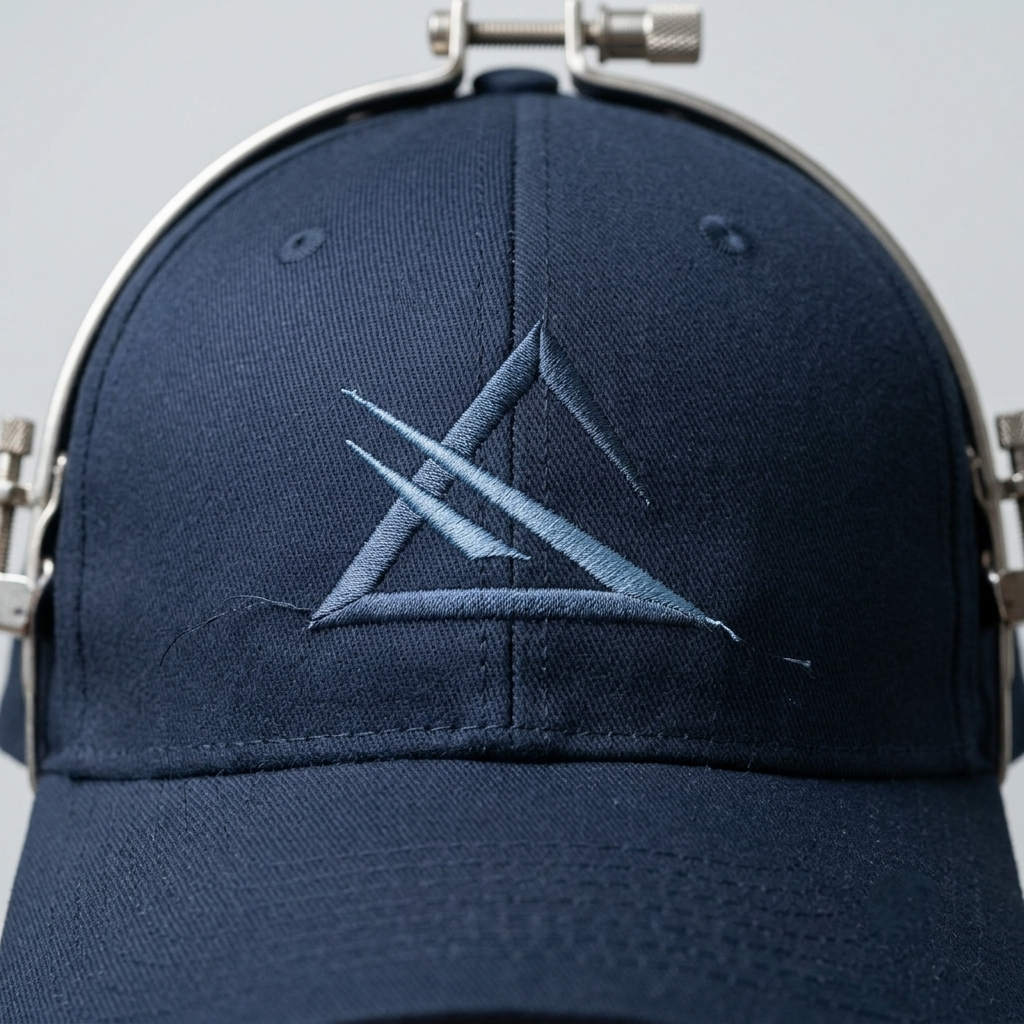
- Center seam ridge. Stitching over a seam creates uneven thickness, so fine details and small text across it are risky.
- Different sew order. Cap files typically sew from the center outward, which keeps the design from drifting as the cap shifts in the frame.
How Does a Cap File Differ From a Flat Garment File?
| Flat garment file | Cap file | |
|---|---|---|
| Hooping | Flat hoop | Curved cap frame |
| Sew order | Built around the hoop layout | Sewn from the center outward |
| Pull compensation | Standard for the fabric | Adjusted for the stiff, curved front |
| Underlay | Tuned to the fabric | Tuned to the cap's structure and seam |
| Design area | Large, limited by the hoop | Small, limited by the cap frame |
What Are the Design Limits on a Cap?
As a rough guide, the front panel stitching area is often around 2 to 2.5 inches tall and 4 to 5 inches wide, depending on the machine and the cap frame. Anything beyond that either does not fit or distorts around the curve.
Small details are the other limit. Lettering under about 0.25 inches (6 mm) tall tends to fill in or look ragged on a cap, and thin lines can disappear into the fabric texture. Keep the design bold, centered, and as simple as the artwork allows. Raised lettering has its own rules, covered in 3D Puff Embroidery: When to Use It and How Digitizing Changes.
What Are the Most Common Cap Digitizing Mistakes?
Reusing a flat file. Shrinking a left chest file to fit a cap leaves the settings wrong for the surface. Rebuild it as a cap file.
Ignoring the seam. Small text running across the center seam gets distorted. Shift the design or simplify the detail there.
Oversizing the design. A design that is too tall distorts as it wraps, or does not fit in the frame at all.
Treating every cap the same. Structured, unstructured, and trucker styles behave differently. Name the exact style when you order the file.
Skipping a test sew. A single test cap catches alignment and density problems before a full run. Placement ideas for other garments are covered in Left Chest vs. Full Back Digitizing.
What Should You Send for a Cap Digitizing Job?
- Clean vector artwork, or the best file you have, since a clean source gives a clean stitch file
- The exact cap style: structured or unstructured, six-panel or five-panel, trucker, or other
- The placement: front center, side panel, or back
- The target size, and thread colors
- Whether any part of the design should be raised or flat
If the artwork needs cleanup first, Vector Conversion 101 explains what to send so the digitizer starts from something usable.
FAQ: Hat Digitizing
Why does cap embroidery need a different file than flat embroidery?
A cap is stitched on a curved cap frame, the front panel is stiff, and the center seam adds a ridge. A file built for a flat garment does not account for the curve or the structure, so it tends to pucker, leave gaps between outlines and fills, or shift out of alignment. A cap file is digitized with those conditions in mind.
What is the maximum embroidery size on a cap?
It depends on the machine and cap frame, but the front panel area is often around 2 to 2.5 inches tall and 4 to 5 inches wide. Designs larger than that either do not fit or distort as they wrap around the curve, so tall artwork usually has to be resized or rearranged.
Do structured and unstructured caps need different files?
Often yes. A structured cap with a firm front holds stitches well, while an unstructured soft cap shifts and puckers more, so it needs different underlay, density, and sometimes a simpler design. Trucker caps with mesh or foam fronts also behave differently, so tell your digitizer the exact cap style.
How fast can outsourced hat embroidery digitizing be turned around?
Typical turnaround is 12 to 24 hours, with rush options available in as little as 4 hours. That is often faster than an in-house digitizer who is also handling other tasks.
Vertex Creative Solutions handles embroidery digitizing for promotional product companies, apparel decorators, and print shops across the USA, UK, Canada, and Australia. Typical turnaround is 12 to 24 hours, with rush options in as little as 4. Send your artwork with the cap style and placement and we will take it from there.
Explore Embroidery Digitizing arrow_forward